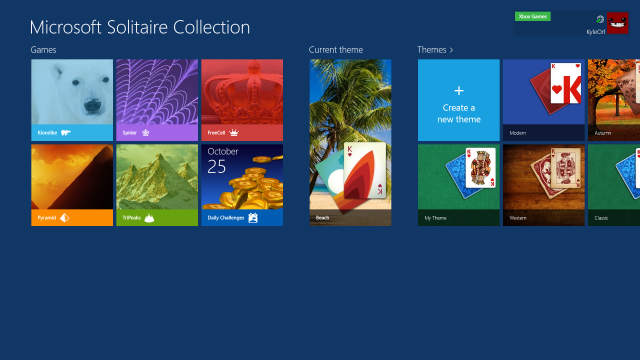
The free game tradition continues with Windows 8, but oddly enough, this year’s collection of Microsoft-produced titles doesn't come preinstalled with the standard version of the operating system (we’re guessing some OEMs might fix this oversight before shipping their hardware, however). Instead, the games are tucked away in the Windows Games Store alongside more professional third-party fare like Fruit Ninja and Hydro Thunder Hurricane, as well as countless cheap-o knock-offs like Mahjong Plus and Card Game Collection. Downloading and installing Microsoft's free titles is relatively easy, but we have to wonder how many Windows 8 users will actively seek them out, rather than stumbling upon them in a preinstalled Games folder.
The most immediately noticeable change to the free games in Windows 8 is that they’re all designed to run primarily in full-screen mode as “Windows 8 style” apps. On the plus side, this helps create some very streamlined interfaces without distracting window borders or menu bars getting in the way. Multitaskers can play some of the available games in "snap mode" by dragging the game to a small sliver on the left or right side of the screen, but the results are mixed—Minesweeper and Wordament work fine in this compressed space, but the card layout in the Solitaire Collection gets so cramped that it's nearly unplayable. If you want to play Mahjong or Taptiles while you're on a teleconference, you're going to need a dual-screen setup.
Read 33 remaining paragraphs | Comments
DIGITAL JUICE


No comments:
Post a Comment
Thank's!